
In today’s digital world, your laptop is more than just a device; it’s a gateway to your work, social life, and personal data. With cyber threats becoming more sophisticated, choosing the right antivirus software is no longer a suggestion it’s a necessity. But with so many options, how do you find the perfect one for your specific needs?
This comprehensive guide will walk you through everything you need to know about laptop security in 2025. We’ll answer the most pressing questions, from whether you still need an antivirus with Windows 11 to finding the best solution for gaming, older laptops, and multi device protection.
Contents
The Big Question: Do You Still Need Antivirus in 2025?
One of the most common questions we hear is, “Isn’t the built in security enough?” It’s a valid point, especially with the significant improvements Microsoft has made to its native security tools.
The Role of Windows Defender on Windows 11
Let’s be clear: Microsoft Defender (formerly Windows Defender) is the best it has ever been. For the average user, it provides a solid baseline of protection against common viruses and malware. It’s integrated, free, and doesn’t nag you with pop ups. So, do you still need a third party antivirus for Windows 11?
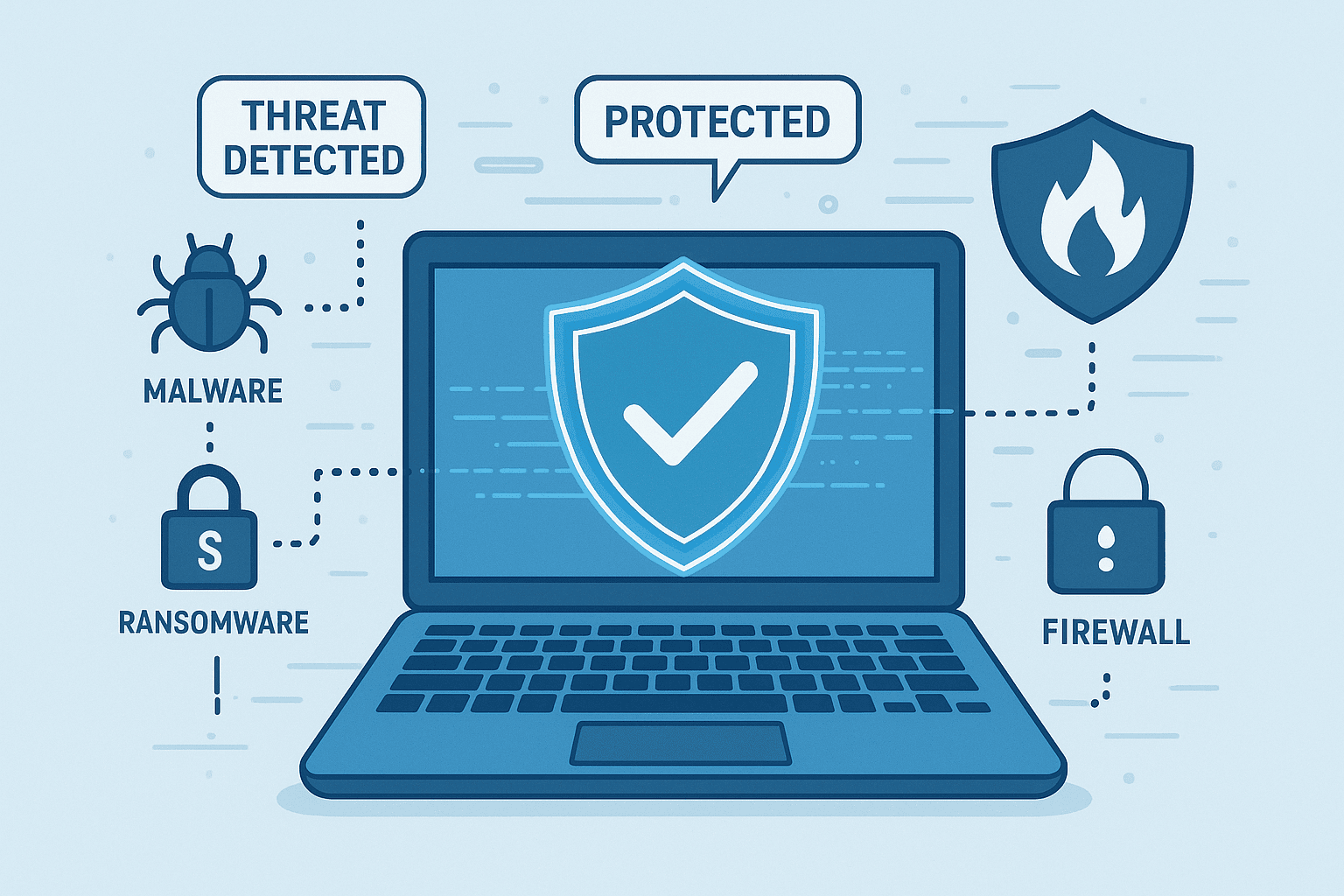
The answer is: it depends on your usage. While Defender is good, dedicated antivirus suites often offer a more robust, multi layered defense. They typically score higher in independent lab tests for zero day attack detection and provide crucial extra features like advanced ransomware protection, password managers, VPNs, and parental controls. If you handle sensitive data, are an avid downloader, or simply want the best protection possible, a premium antivirus is a wise investment.
Choosing the Best Antivirus for Your Specific Needs
Not all users are the same, and your antivirus solution should reflect your lifestyle. A “one size fits all” approach doesn’t work for cybersecurity.
For Everyday Users & Students: Top Free Antivirus Recommendations
If you’re a student or a casual user on a budget, you don’t have to compromise on safety. Several reputable companies offer excellent free versions of their software. These are our best free antivirus recommendations for students and home users:
- Avast Free Antivirus: Offers solid protection with a large threat detection network and a user friendly interface.
- AVG AntiVirus FREE: Now owned by Avast, it shares the same powerful engine and provides reliable, no cost protection.
- Bitdefender Antivirus Free: Known for its excellent detection rates and minimal impact on system performance.
For Power Users & Gamers: Best Antivirus for Gaming Laptops (No Lag)
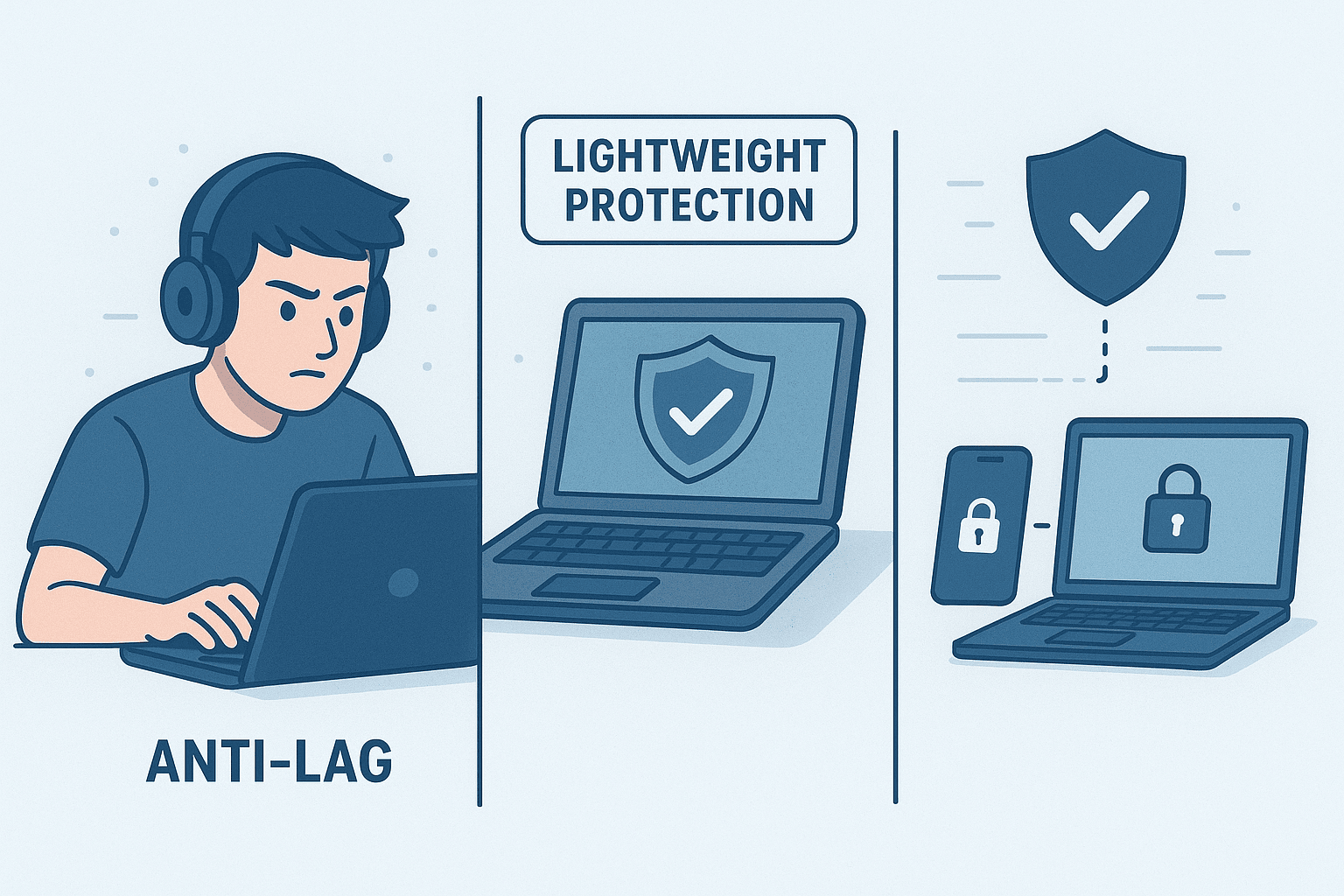
For gamers, performance is everything. The last thing you want is an antivirus that causes lag or frame drops in the middle of a match. The best antivirus for gaming laptops includes a “Game Mode” that automatically suspends scans and notifications when you’re playing.
Look for solutions like Bitdefender or Norton 360 for Gamers, which are specifically designed to optimize system resources for an uninterrupted, anti lag gaming experience while keeping you fully protected in the background.
For Older Machines: The Lightest Antivirus for Low Spec Laptops
What if you’re running an older laptop with limited RAM and a slower processor? A heavy antivirus can bring it to a grinding halt. You need the lightest antivirus for a low spec laptop a solution that offers strong protection with a minimal system footprint.
Brands like ESET and Webroot are renowned for being incredibly light on resources. They consume very little RAM and CPU power, ensuring your older machine stays responsive and secure without being bogged down.
Key Features to Look For in 2025
Modern threats require modern solutions. Basic virus scanning is no longer enough. Here are the critical features your next antivirus should have.
Ultimate Defense: Best Antivirus for Ransomware Protection
Ransomware remains one of the most devastating cyber threats, capable of locking all your personal files until you pay a hefty fee. Your antivirus must have a dedicated defense layer against it. The best antivirus for ransomware protection in 2025 will offer multi layered protection that monitors for suspicious behavior, blocks unauthorized encryption of your files, and provides a way to roll back any damage. Suites from Bitdefender and Kaspersky consistently receive top marks for their anti ransomware capabilities.
Protecting All Your Devices: Antivirus for Both Laptop and Android
Our digital lives are spread across multiple devices. It makes sense to have a security solution that covers them all. Look for an antivirus that can be used for both your laptop and Android phone under a single subscription. Products like Norton 360 Deluxe and McAfee Total Protection offer excellent multi device plans, providing seamless security, password management, and even a VPN across your PC, Mac, and smartphone.
Making the Final Decision: A Paid Antivirus Showdown
When you’re ready to invest in premium protection, the choice often comes down to a few industry giants.
Head to Head Comparison: Bitdefender vs. Norton for Laptop Security
A common dilemma for buyers is choosing between two of the best: Bitdefender vs. Norton for laptop security. Here’s a quick breakdown:
- Bitdefender: Often praised for its near perfect detection scores and minimal performance impact. Its interface is clean, and it’s packed with features like a VPN, password manager, and advanced threat defense. It’s an excellent all around choice for those who want top tier protection without slowdowns.
- Norton: A powerhouse brand with a massive feature set. Norton 360 plans often include a generous VPN with unlimited data, cloud backup, and comprehensive identity theft protection (in some regions). It offers a complete security blanket, making it ideal for users who want an all in one solution.
Both are fantastic choices. Your decision may come down to which user interface you prefer and which set of extra features is more valuable to you.
Understanding Pricing: A Look at a Kaspersky 1 Year License
When considering a paid option, you’ll encounter subscription models. For example, understanding the price of a Kaspersky 1 year license is a good template. Typically, you pay an annual fee that covers 1, 3, 5, or more devices. This fee gives you continuous protection, all software updates, and access to the latest virus definitions. Watch for introductory offers, which often provide a significant discount for the first year.
Practical “How To” Guide for Users
Even with the best protection, you may run into issues. Here’s how to handle two common scenarios.
Help, I’m Infected! How to Remove a Virus Without Reinstalling
Discovering a virus is stressful, but it doesn’t always mean you need to wipe your system. Here’s how to remove a virus from a laptop without reinstalling the operating system:
- Disconnect from the Internet: This prevents the malware from spreading or communicating with its command server.
- Reboot into Safe Mode: This starts Windows with only essential drivers, which can prevent the malware from loading.
- Run a Full Scan: Use your primary antivirus to run a comprehensive system scan.
- Use a Second Opinion Scanner: Download a tool like Malwarebytes Free. It’s excellent at finding PUPs (Potentially Unwanted Programs) and other threats your main AV might miss.
- Clean and Reboot: Allow the software to remove the threats it finds, then restart your computer in normal mode.
Quick Fix: How to Temporarily Disable Your Antivirus
Sometimes, you may need to disable your antivirus to install a trusted program that’s being incorrectly flagged as a threat. Here’s how to temporarily disable your antivirus (the steps are similar for most brands, not just an Asus laptop):
- Find the antivirus icon in your system tray (bottom right of the taskbar).
- Right click the icon.
- Look for an option like “Disable protection,” “Silent/Game Mode,” or “Control shields.”
- Choose to disable it for a short period (e.g., 10 minutes, 1 hour, or until the next restart).
- Crucially, remember to re-enable it as soon as you’re done.
Conclusion: Your Final Checklist for Laptop Security
Choosing the right antivirus is a critical step in protecting your digital life. It’s not just about stopping viruses; it’s about securing your identity, protecting your files from ransomware, and ensuring a safe experience across all your devices.
Remember to assess your personal needs. Are you a gamer, a student, or a professional handling sensitive data? Do you use an old laptop or a top of the line machine? Answering these questions will guide you to the perfect security solution in 2025, ensuring you stay safe, secure, and productive.




2 comments