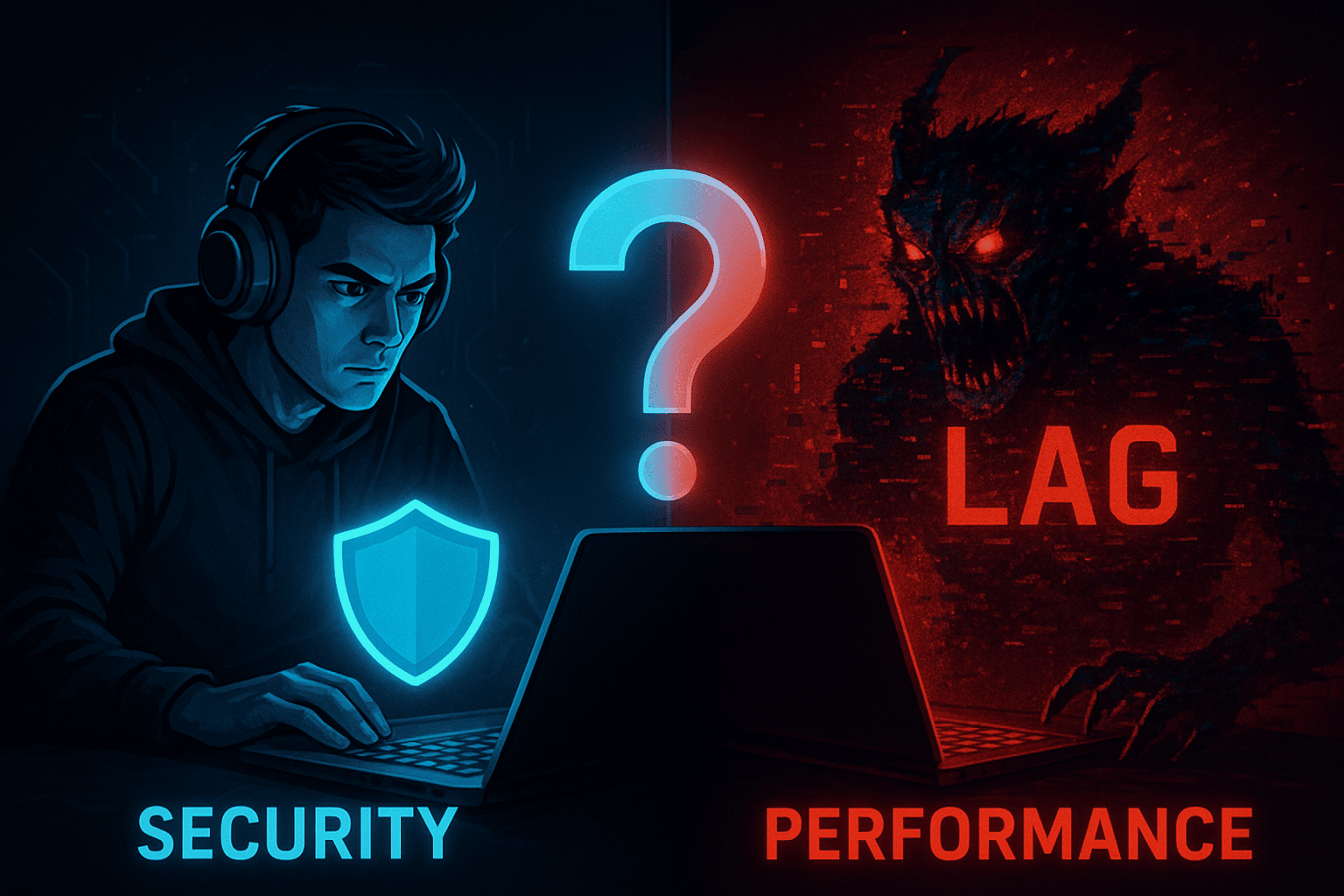
For PC gamers, every millisecond counts. A smooth, lag-free experience is paramount, and anything that introduces stutter or reduces frames per second (FPS) is often viewed with suspicion. This often leads to a common misconception: that antivirus software is a performance killer and should be avoided on a gaming laptop. However, in today’s increasingly threat-filled digital landscape, opting for no protection is a gamble no serious gamer should take. The real challenge lies in finding the best antivirus that offers robust security without compromising your precious gaming performance.
Contents
- 1 Why a Gaming Laptop Needs Dedicated Antivirus Protection
- 2 Key Factors to Consider When Choosing an Antivirus for Gaming
- 3 Top Best Antivirus Features to Look for in Gaming Software
- 4 Common Misconceptions About Antivirus and Gaming
- 5 Installation and Optimization Tips for Gamers
- 6 Conclusion: Balancing Peak Performance with Ironclad Security
Why a Gaming Laptop Needs Dedicated Antivirus Protection
Your gaming laptop is more than just a powerful machine for playing games; it’s a significant investment, a hub for personal information, and a gateway to countless online interactions.
The Risks: Malware, Ransomware, and Phishing
The internet is a wild west, and gamers are often prime targets.
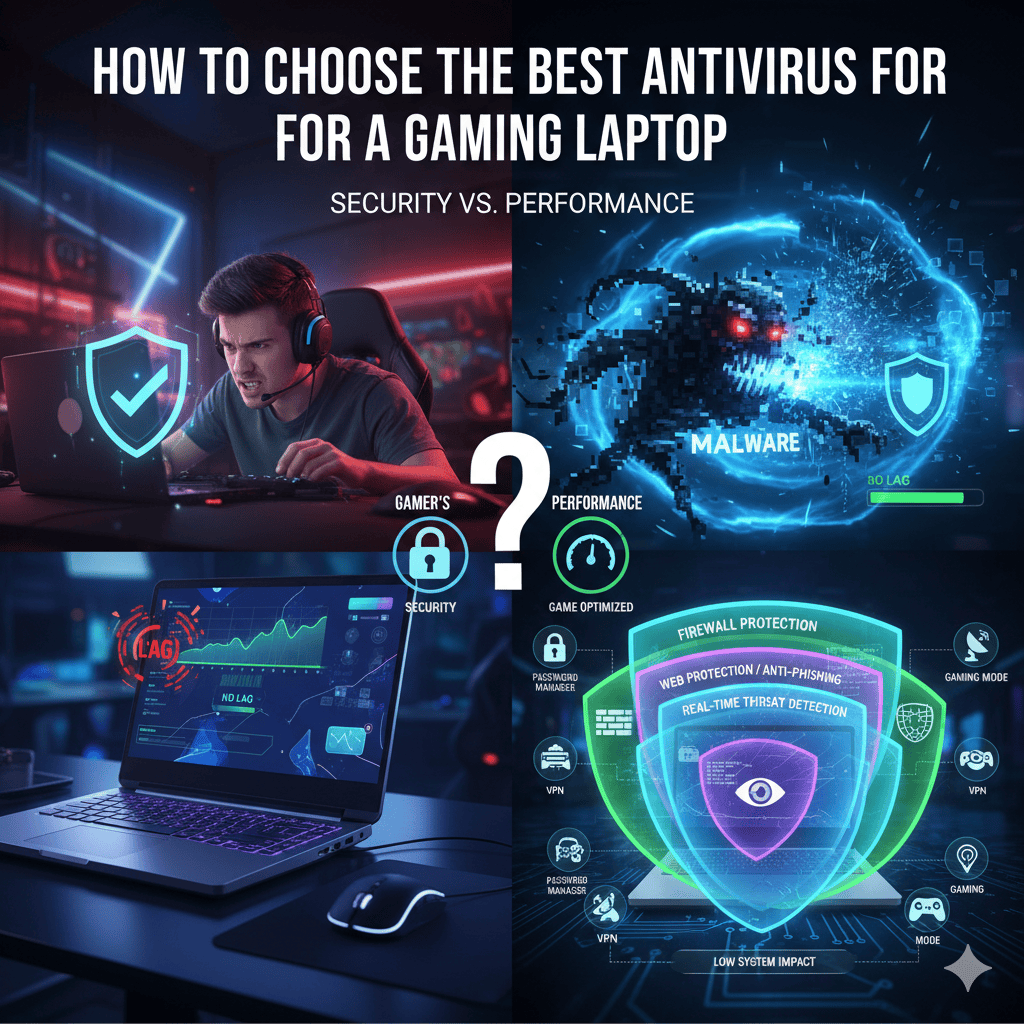
Malware can sneak in through compromised game mods, cracked software, phishing emails disguised as game updates, or even malicious ads. Ransomware can encrypt your entire game library and personal files, demanding a hefty payment for their release. Phishing attacks can trick you into giving away your login credentials for gaming platforms, financial accounts, or even sensitive personal data. Without proper protection, you risk losing your game saves, access to your accounts, and even real money.
Protecting Your Investment and Personal Data
Think about the time and money you’ve invested in your gaming laptop and your game library. An unprotected system can lead to costly repairs, data loss, identity theft, and the severe disruption of your gaming life. A good antivirus safeguards your hardware, software, and privacy, ensuring your gaming sanctuary remains secure.
Key Factors to Consider When Choosing an Antivirus for Gaming
Choosing an antivirus isn’t about picking the most expensive option; it’s about finding the right balance of features, performance, and price that suits your gaming habits.
1. Minimal System Impact (Low Resource Usage)
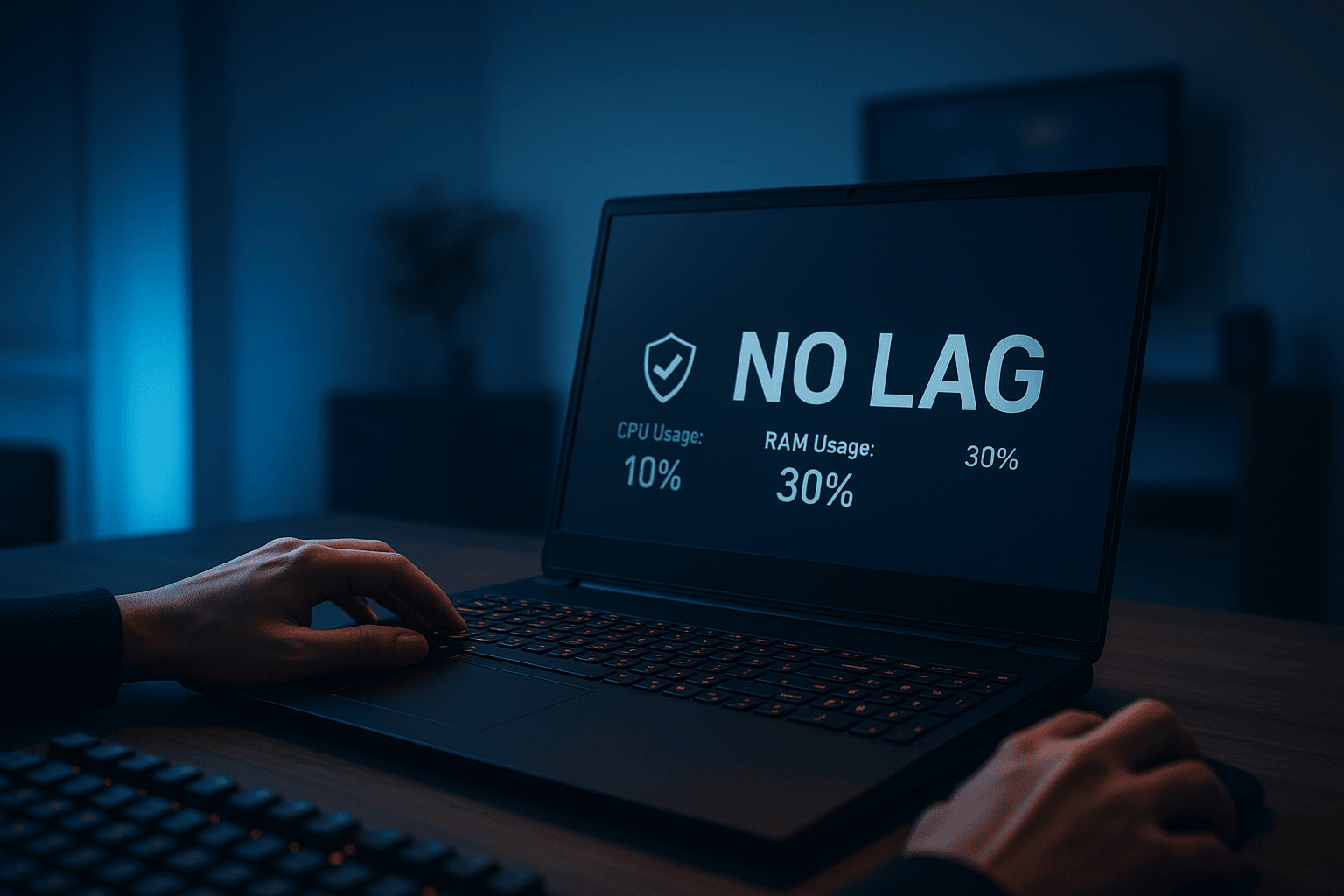
This is arguably the most critical factor for gamers. An antivirus that hogs CPU, RAM, or disk I/O will inevitably cause frame drops, input lag, and general system sluggishness, ruining your gaming experience.
Benchmarks and Independent Testing
Look for independent testing labs like AV-Test, AV-Comparatives, and PCMag. These organizations rigorously test antivirus software for their impact on system performance during various activities, including gaming. They often provide detailed reports on CPU usage, file copying speeds, and application launch times.
Gaming Mode and Optimization Features
Many top-tier antivirus solutions now include a “Gaming Mode” or “Silent Mode.” When activated, these modes automatically suspend non-essential scans, updates, and notifications during full-screen applications (like games) to free up system resources and prevent interruptions. Some even offer specific game optimization features to prioritize game processes.
2. Robust Malware Detection and Removal Capabilities
While performance is key, the primary purpose of an antivirus is security. It must be highly effective at detecting and eliminating threats.
Real-time Protection
This feature continuously monitors your system for suspicious activity, blocking threats before they can even execute. It’s your first line of defense against new and emerging malware.
Advanced Threat Detection (AI/Machine Learning)
Modern threats are sophisticated. Antivirus software that utilizes artificial intelligence and machine learning can identify previously unknown malware (zero-day threats) by analyzing their behavior rather than relying solely on signature databases.
Ransomware Protection
Given the devastating impact of ransomware, dedicated modules that protect your files from unauthorized encryption are essential. These often include behavioral monitoring and secure folder access.
3. Essential Security Features Beyond Basic Scans
A comprehensive antivirus suite offers more than just malware scanning.
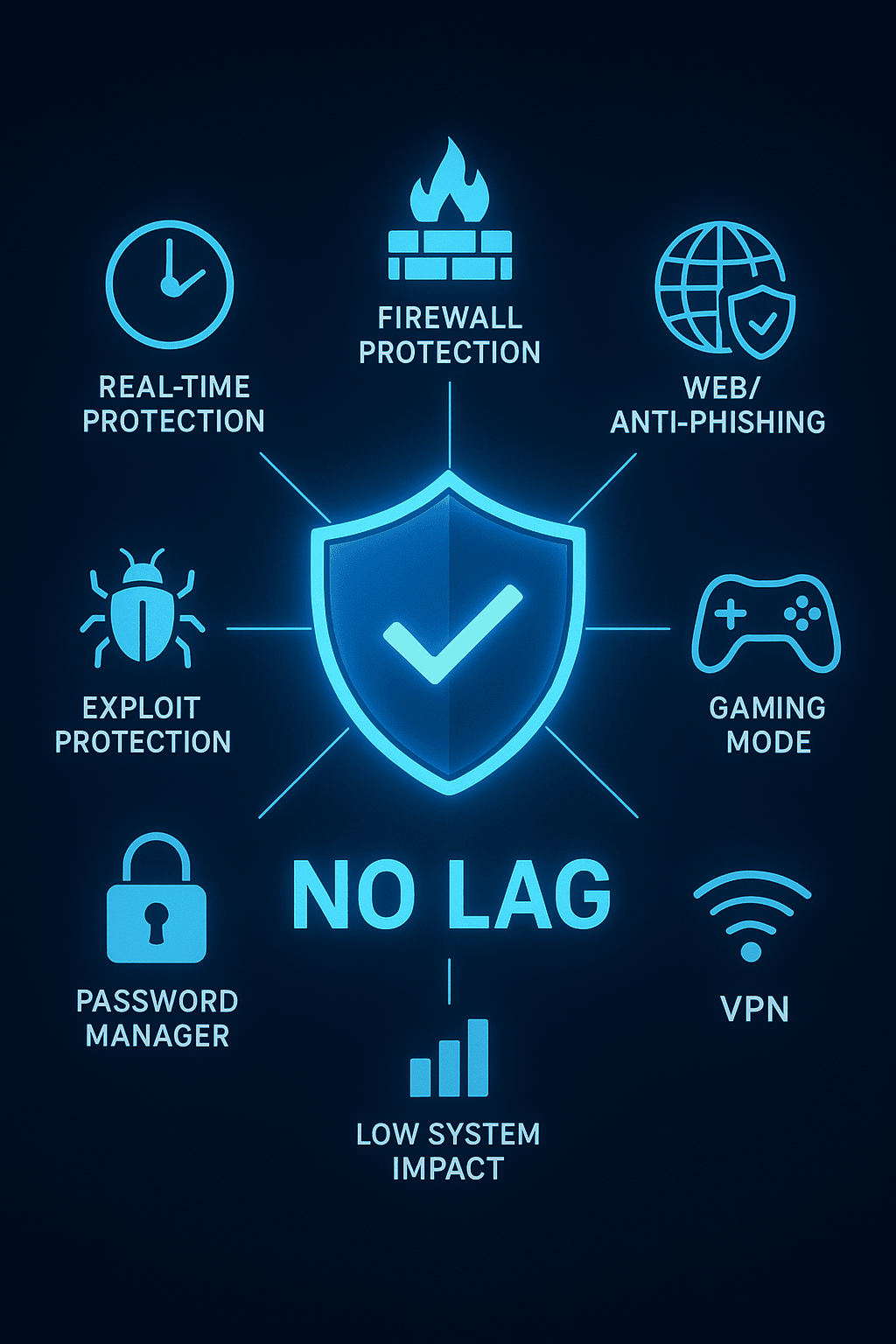
Firewall Protection
A robust firewall monitors incoming and outgoing network traffic, preventing unauthorized access to your laptop from the internet and blocking malicious programs from communicating outwards. This is especially important for online gaming.
Web Protection/Anti-Phishing
This feature blocks access to known malicious websites, warns you about suspicious links, and protects you from phishing attempts that try to steal your login credentials. This is vital when browsing gaming forums, clicking on links in Discord, or checking your email.
VPN (Virtual Private Network)
Some antivirus packages include a VPN, which encrypts your internet connection, protecting your privacy and security, especially when using public Wi-Fi. While not directly performance-related, it’s a valuable addition for overall online safety.
Password Manager
A built-in password manager helps you create and securely store strong, unique passwords for all your gaming accounts, email, and other services, reducing the risk of credential stuffing attacks.
Parental Controls (If Applicable)
If your gaming laptop is also used by younger family members, parental controls can help manage screen time, block inappropriate content, and monitor online activity.
4. User-Friendly Interface and Customization Options
An intuitive interface makes it easy to manage your security, configure settings, and access features without feeling overwhelmed. Gamers often appreciate the ability to customize settings, such as scan schedules, notifications, and gaming mode activation.
5. Cost and Value for Money
Antivirus software comes at various price points, from free to premium subscriptions.
Free vs. Paid Antivirus
While free antiviruses like Windows Defender (built into Windows) offer basic protection, they often lack advanced features like gaming modes, ransomware protection, comprehensive firewalls, and dedicated customer support. Paid solutions generally provide a much higher level of security and a broader feature set specifically tailored for performance.
Subscription Models and Bundles
Most reputable antivirus software operates on an annual subscription model. Look for bundles that offer licenses for multiple devices if you have other computers or smartphones to protect. Compare features offered at different price tiers.
6. Customer Support and Reputation
In case you encounter issues or have questions, reliable customer support is crucial. Look for companies with a good reputation for responsive and helpful support channels (chat, email, phone). Reviews from other gamers can also be very insightful.
Top Best Antivirus Features to Look for in Gaming Software
Beyond the core factors, these specific features can significantly enhance a gamer’s experience:
Gaming Mode/Silent Mode
As mentioned, this is a must-have. It automatically detects when you’re gaming and suspends resource-intensive tasks, scans, and notifications to ensure an uninterrupted, high-performance experience.
Cloud-Based Scanning
This technology offloads much of the scanning process to the cloud, reducing the impact on your local system resources. It allows for faster, more efficient threat detection without slowing down your game.
Exploit Protection
Exploits are vulnerabilities in software that attackers can use to gain control of your system. Antivirus with exploit protection actively monitors for and blocks these types of attacks, even against legitimate applications that might be targeted.
Webcam and Microphone Protection
Many modern attacks aim to spy on users via their webcams or microphones. This feature alerts you when applications try to access these peripherals and allows you to block unauthorized access, protecting your privacy during online gaming sessions or streaming.
Common Misconceptions About Antivirus and Gaming
Let’s debunk some popular myths that often lead gamers astray.
“Windows Defender is Enough”
While Windows Defender has improved significantly, it typically offers baseline protection. It often lacks the advanced features, granular controls, and specific gaming optimizations found in premium third-party antivirus suites. For serious gamers with a significant investment in their hardware and data, it’s usually not enough.
“Antivirus Slows Down My Games Too Much”
This used to be true for many older antivirus programs, but modern antivirus software, especially those designed with gamers in mind, are incredibly optimized. With gaming modes, cloud-based scanning, and low system impact designs, the performance hit is often negligible, if noticeable at all. The protection gained far outweighs any minimal overhead.
“I Don’t Visit Shady Websites, So I’m Safe”
Threats don’t just come from “shady websites.” As discussed, malware can spread through legitimate-looking emails, compromised game mods, infected USB drives, or even through exploits in popular online games themselves. Being vigilant is good, but relying solely on caution is insufficient.
Installation and Optimization Tips for Gamers
Once you’ve chosen your antivirus, follow these tips to ensure optimal performance and security.
This helps you maximize security without sacrificing your gaming experience.
Configure Gaming Mode Correctly
Ensure that your antivirus’s Gaming Mode (or similar feature) is properly activated. Some activate automatically when a full-screen application runs, while others might require manual configuration or adding specific game executables to a whitelist.
Schedule Scans During Off-Peak Hours
Avoid full system scans while you’re actively gaming. Schedule them to run overnight or when you’re away from your laptop, ensuring they don’t interfere with your playtime.
Exclude Game Folders (Carefully!)
While generally not recommended for critical system folders, you can exclude specific game folders (e.g., your Steam library) from active scans to prevent any potential performance impact. However, proceed with caution, as this can create a small security loophole if a threat specifically targets an excluded folder. Only do this if you are absolutely sure of the source and integrity of your games.
Keep Your Antivirus and OS Updated
Always ensure your antivirus software and your Windows operating system are up to date. Updates often include critical security patches and new threat definitions, keeping you protected against the latest dangers.
Read Also: 5 The Best Project Management Software for Remote Teams
Conclusion: Balancing Peak Performance with Ironclad Security
Choosing the best antivirus for your gaming laptop is a decision that requires careful consideration, but it’s a decision that pays dividends in peace of mind and sustained performance. By prioritizing low system impact, robust threat detection, essential security features like a firewall and web protection, and leveraging gaming-specific optimizations, you can protect your valuable investment without compromising your immersive gaming experience. Don’t let the fear of performance degradation leave you vulnerable; equip your gaming rig with the ironclad security it deserves.